
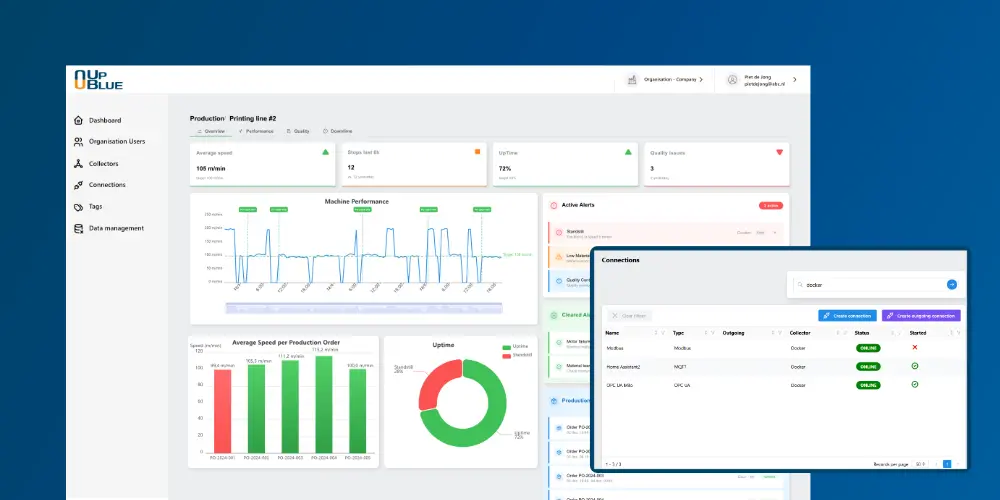
New: UpBlue AI, talk to your factory
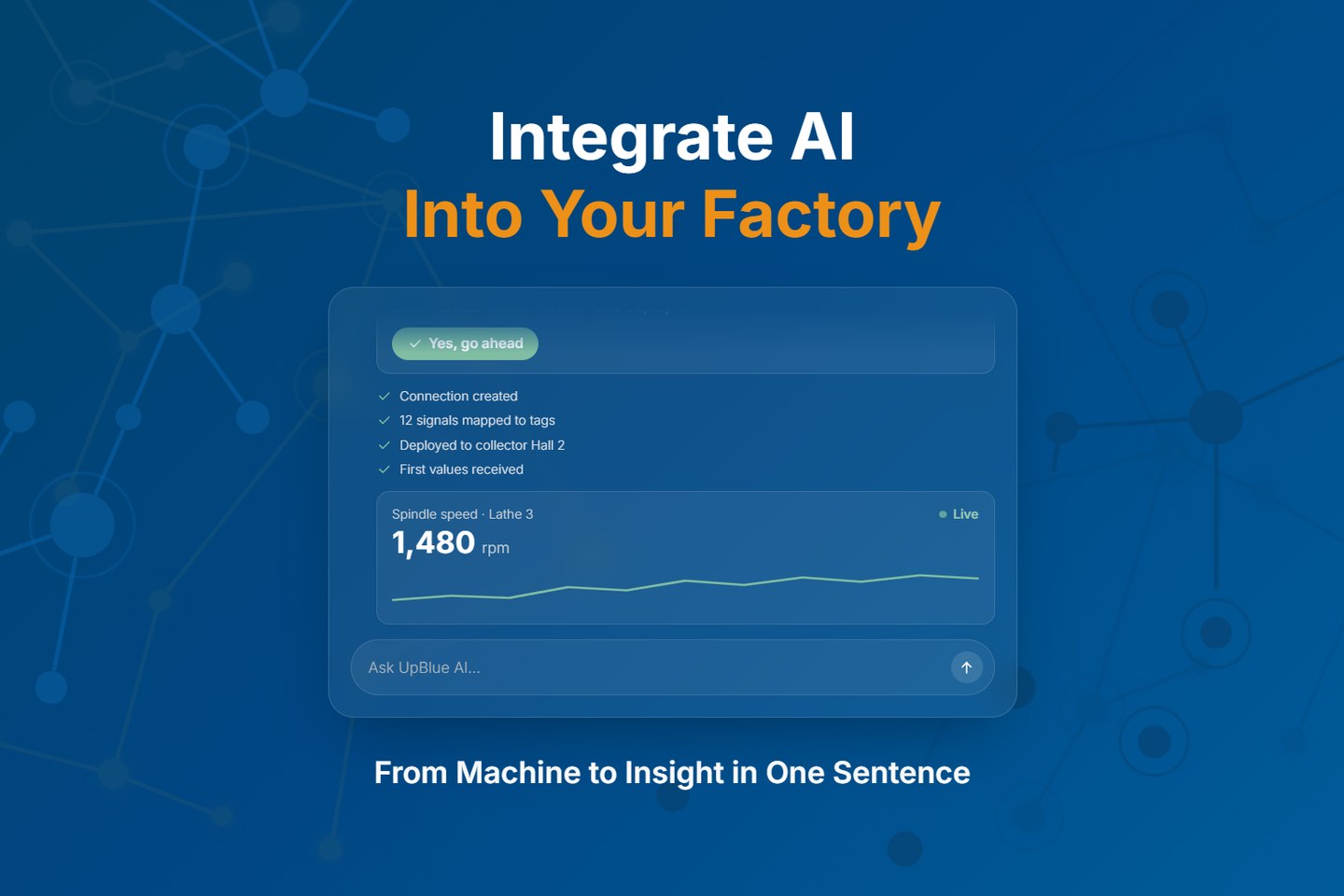
New: UpBlue AI, talk to your factory
UpBlue AI is here: an assistant that knows your factory data. You ask your question in plain language, and UpBlue AI looks up the answer in your own tags, events, dashboards and connections.
What is it?
At the bottom of the menu you now find the UpBlue AI button. A chat opens next to your screen. You type your question, in your own language, and see every step the assistant takes to find the answer. Every number comes from your own data; the assistant does not guess.
What can you do with it?
- Ask about your production: "Why did line 2 stop yesterday?" or "What was the average temperature of oven 2 last week?"
- Build dashboards: "Build an energy dashboard for hall 1" or "Add a panel with the energy use per hall to this dashboard."
- Connect machines: the assistant finds the OPC UA, Modbus or MQTT source on your collector, creates the connection and the tags, and checks that the data arrives.
- Solve problems: a value does not arrive? The assistant follows it from machine to dashboard and points out the step where it goes wrong.
The assistant works with your own permissions. A viewer can only read, and before the assistant changes a connection, rule, collector or alert, it always asks for your approval first.
Also in Claude, ChatGPT and Gemini
Already working with an AI app? With the UpBlue MCP server you connect UpBlue to Claude, ChatGPT or Gemini. There you ask the same questions, next to your reports, Excel files and meeting notes. You add one address, mcp.upblue.io, and sign in with your normal UpBlue account.
Why did we build this?
Your data is in UpBlue, but answering a question often still takes some searching: open the right dashboard, pick the right tags, set the right period. That takes time, and not everyone on the shop floor knows the way. With UpBlue AI everyone, from operator to management, simply asks the question that fits their job.
Get started
Open an organisation in my.upblue.io and click UpBlue AI. How it works is in the assistant guide; connecting Claude, ChatGPT or Gemini is described under MCP. Questions? Feel free to contact us.
Sjoerd Nefkens
Latest news
Want to know more?
Our self-service Industry 4.0 software enables companies to modernize outdated IT systems, allowing teams to independently and efficiently handle increasing product and process complexity.

© 2026 UpBlue B.V. All rights reserved.